
One-page study guide: how to condense a chapter

Algor Lab
October 3, 2026

A chapter can be forty pages long, your notes can be longer than the lecture, and the exam still asks you to decide what matters. A one-page study guide is useful because it forces that decision before revision becomes another round of rereading.
The page is not a miniature copy of the chapter. It is a compact route through the topic: the ideas you must reconstruct, the relationships you tend to confuse, and the prompts that help you test yourself. This guide shows how to build one without shrinking the font until the sheet becomes unreadable.
What a one-page study guide is for
University study-support pages describe study sheets as an exercise in selecting, condensing and organizing material. The Open University similarly suggests reducing notes to one side of A4 with main headings and a few associated keywords. The value is in the reduction process, not in owning a dense page.
Use one page for a coherent unit: one lecture, one chapter, one process or one exam theme. If the topic genuinely needs several pages, keep the one-page sheet as an overview and put derivations, worked examples or long quotations elsewhere.
Decide the job before choosing the content
A sheet for a definitions test should not look like one for solving problems. Write the expected task at the top of your draft: “explain the mechanism,” “compare three theories,” “solve this family of equations,” or “place events in sequence.” That sentence becomes your filter.
Then gather the syllabus, chapter, lecture notes and past feedback. Do not begin by copying. Scan for recurring headings, explicit learning outcomes, steps, contrasts and errors you have already made. The page should answer the assessment task, not reward whichever paragraph was easiest to highlight.
A practical five-part layout
- Core question: the problem the topic answers.
- Three to five anchors: the main headings that hold the page together.
- Relationships: arrows, a comparison table, a sequence or a short formula only when it carries meaning.
- Exceptions and traps: conditions, confusable terms and one mistake to avoid.
- Retrieval prompts: three questions you should be able to answer without looking.
This is a starting structure, not a required template. A language sheet may need examples and exceptions; a science sheet may need a process and a labelled diagram; a law sheet may need conditions, deadlines and consequences.
How to reduce a chapter step by step
- Write a rough summary without a page limit. Use your own words and keep the source open for checking.
- Group related points. Give each group a heading that states an idea, not a vague label such as “other.”
- Rank every point. Mark it essential, supporting or example. The page gets the essentials, selected support and only examples that unlock a difficult idea.
- Replace repeated prose with structure. A two-column contrast or a short sequence often communicates more than four similar sentences.
- Cut again. Remove anything you can reconstruct from a stronger cue. Keep what you repeatedly forget or confuse.
A concrete example
For cellular respiration, copying every intermediate molecule would produce a crowded page. A useful sheet might instead show the purpose of the process, the locations of the major stages, the input and output of each stage, the relationship between the electron carriers and ATP production, and three prompts: “Where is oxygen used?”, “Why is a proton gradient necessary?” and “What changes without oxygen?”
Detailed pathways can remain in the source notes. The one page should let you reconstruct the story and reveal where reconstruction fails.
Build and print the sheet with Algor
Put the chapter, slides or notes into an Algor Set. A Set page is editable, so you can start from generated text or a summary, rewrite headings, delete low-value detail and add a small table or question beside the relevant paragraph. The current Algor guide to working with Sets documents editable pages, text boxes and quick exercises.
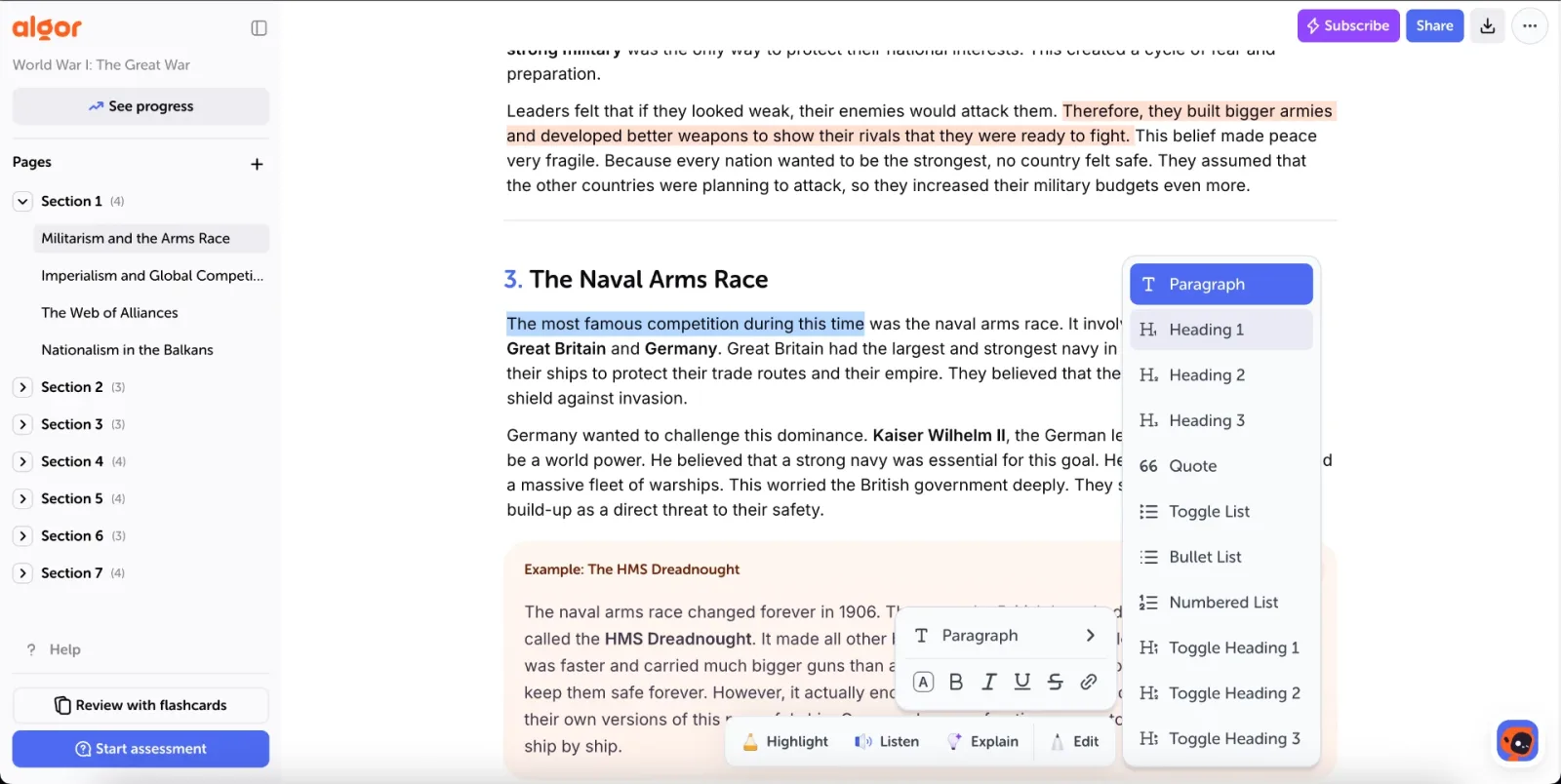
Use the page limit as a decision rule, not as an automatic AI setting. Ask for a concise draft, then make the final choices yourself. If a concept needs a diagram, add one because the relationship matters—not because every study sheet must contain a map.
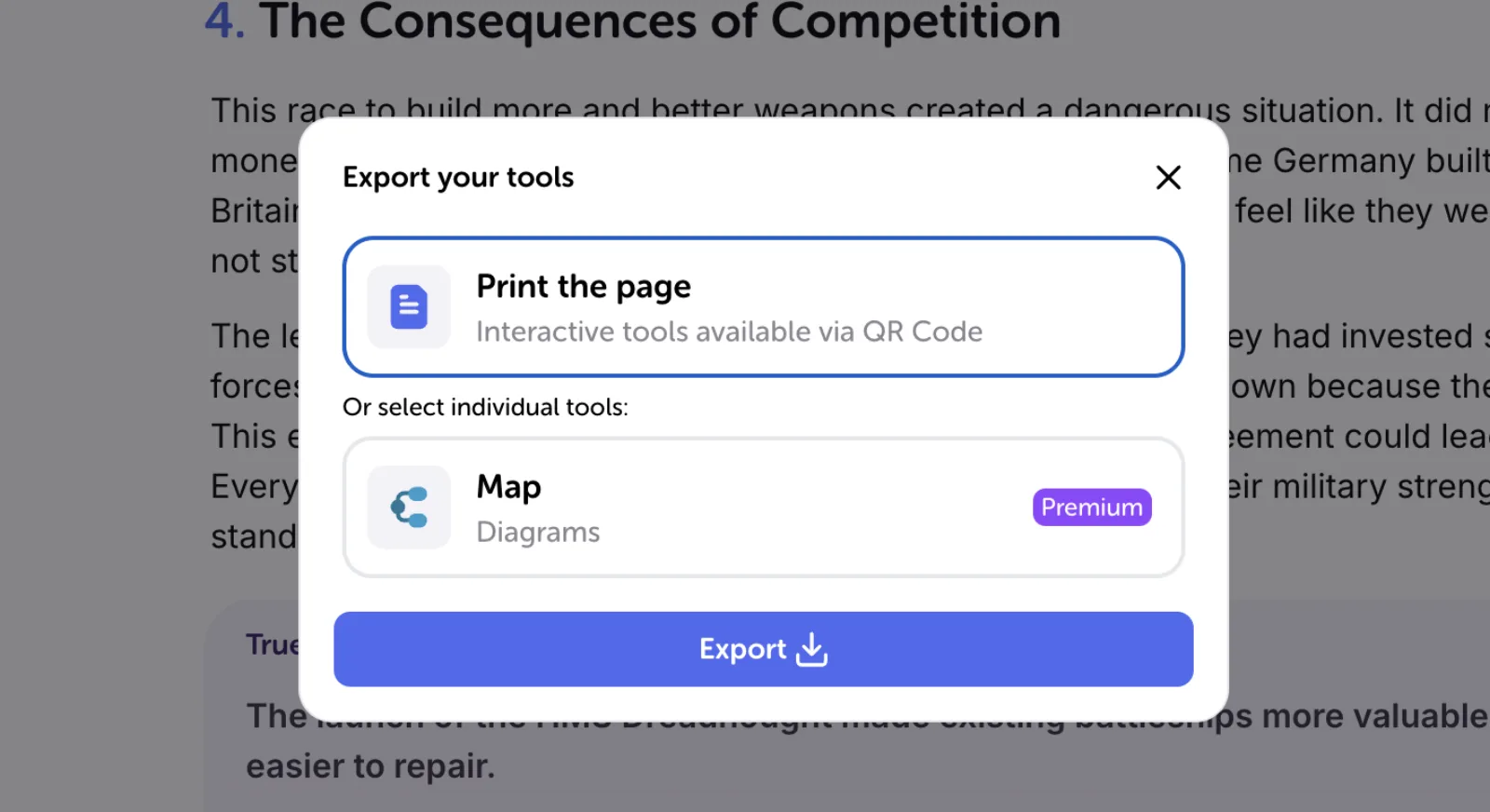
When the page is ready, Algor can print a full page or selected tools such as the summary or map. Check the preview, readable type size and page breaks before exporting; the software does not decide which knowledge deserves the page.
Turn the page into a test
A sheet becomes useful when you retrieve from it. Cover one section and answer its prompt aloud, redraw the process from memory, or explain the comparison without reading. Then uncover the sheet, mark the missing link and revise that part of the Set.
You can also start an assessment from the Set. Algor currently supports several question types, scope selection and progress feedback, as described in the study and review guide. Use the result to find weak areas; do not keep polishing sections you already recall easily. The workflow connects the sheet to active recall instead of turning it into another page to reread.
Common mistakes
- Tiny text everywhere. If everything fits only because nothing is readable, the selection step has not happened.
- Decorating before deciding. Colour and layout should reveal hierarchy, not hide a copied chapter.
- Keeping only facts you already know. Give space to conditions and distinctions that cause errors.
- Using someone else’s sheet as the first step. Compare later; build your own structure first.
- Reading the page repeatedly. Cover, recall and check.
Study guide, summary, concept map or flashcards?
A summary explains a topic in compressed prose. A concept map foregrounds relationships. Flashcards isolate prompts for repeated retrieval. A one-page study guide can borrow from all three, but its defining constraint is a single overview for one purpose. If your first draft is still a long summary, use the guide to clearer notes before compressing it further.
Frequently asked questions
Does it have to be exactly one page?
No. The limit is a useful constraint, not a rule of learning. Use more space when accuracy or accessibility requires it.
Should I make it by hand or digitally?
Choose the format you will revise. Digital editing makes reordering and printing easier; handwriting may slow the selection process in a useful way. The decisive step is making choices in your own structure.
When should I create it?
Build a first version after you understand the topic, not during the first blind read. Improve it after practice questions expose gaps.
Can AI create the whole sheet?
AI can draft and organize, but the learning value comes from checking the source, deciding what matters and testing whether the cues help you reconstruct the topic.
To try the workflow, create a Set in Algor Education, choose one chapter and reduce it to a page you can actually test yourself from.
Sources


Faq
Frequently Asked Questions

Related articles
Get Started with Algor
Transform your content into structured, visual and personalized learning paths.

.svg)


