
Notibo vs Algor: from lecture notes to a study workflow

Algor Lab
October 13, 2026
You leave a lecture with a recording, a slide deck and a few notes that made sense an hour ago. Before choosing another AI study tool, identify the step that is slowing you down. Do you mainly need to recover what was said, or do you need to reshape the material until you can explain it and answer questions without looking?
Notibo and Algor both turn source material into resources for studying. Their documented workflows put different tools within reach. This comparison looks at capture, editing, visual understanding and practice, using a concrete task you can try with your own course.
Written by Algor Lab using official product documentation checked on 13 October 2026. This is a comparison of documented features, not an independent performance test. Plan availability can change.
Notibo or Algor: the short answer
Consider Notibo when your starting point is a lecture or meeting you want to turn into an editable transcript and structured notes. Consider Algor when you want to build an editable study Set, work directly on concept maps and explanations, collaborate on that material and practise within the same study environment.
There is meaningful overlap. Notibo also documents flashcards, spaced repetition and exam preparation; Algor also works from audio and video material. The useful question is which workflow removes a real obstacle in your studying, rather than which product has the longer feature list.
Compare the work you need to do
| Task | Notibo | Algor |
|---|---|---|
| Recover a lecture | Recording, transcription and structured notes | Audio/video transcription and study material creation |
| Revise the result | Editable transcript, summary and notes | Editable Set pages and maps, including AI editing |
| Work with another person | Read-only note links | Sharing roles and real-time co-editing |
| Practise | Flashcards, spaced repetition and exam preparation | Flashcards, assessments and progress by topic |
This table describes documented uses, not exclusive capabilities or a scorecard. In particular, we do not infer that a feature is absent simply because it is not prominent on a product homepage.
Start with the recording, or start with the learning goal?
In Notibo’s official FAQ, the starting point is a recording or uploaded document. The service produces organised notes, and you can edit the result. Its browser workflow includes microphone recording; capturing an online class with screen and system audio requires Chrome or Edge on a computer. Check the setup you actually intend to use, rather than assuming every recording method works on every device.
Algor’s content creation guide describes building study material from sources such as files, recordings or a topic. With a Set, review the proposed structure before generating the content. A course organised around questions may need a different structure from the sequence of slides.
Suppose a lecture introduces experimental and observational studies. A useful study goal is: “Explain why these designs support different conclusions.” That goal gives you a way to inspect the output. Does it preserve the lecturer’s qualification? Does it distinguish an example from a definition? A polished transcript is helpful, but it does not answer those questions for you. Our guide to reviewing lecture notes with AI develops the learning routine behind this step.
Editing matters when the explanation is almost right
An AI-generated paragraph might be readable while blurring a distinction your course treats as important. Both products offer ways to revise text. Notibo explicitly documents editing transcripts, summaries and notes, so it should not be described as a fixed-output recorder.
Algor adds a study structure you can reshape: sections, pages, explanations and editable maps. The practical benefit is control over the material you will revisit. You can shorten a passage, restore an omitted condition or place a worked example next to the concept it explains. The guide to working with Sets explains those editing tools.
An example of a useful correction
If a summary implies that every observed relationship proves cause and effect, replace that sentence with the distinction taught in your course. Then add one example and one question that would expose the same misunderstanding. Keep the original slide or reading available while editing. Asking AI to rewrite a sentence does not establish that the new version is correct.
Use a concept map when relationships are the difficulty
For this decision, one of Algor’s clearest strengths is its dedicated editable map workflow. You can work on concepts and connections, revise the wording and use AI to help change the map. The point is not to decorate a summary. It is to make your explanation visible enough to inspect.
For the study-design example, place the two designs side by side. Connect each to what the researcher does, what information is collected and which limitations must be considered. Read every connection as a sentence. If the relationship is vague, change it. If your module uses different terminology, use that terminology. A map that looks complete can still contain an unsupported link.
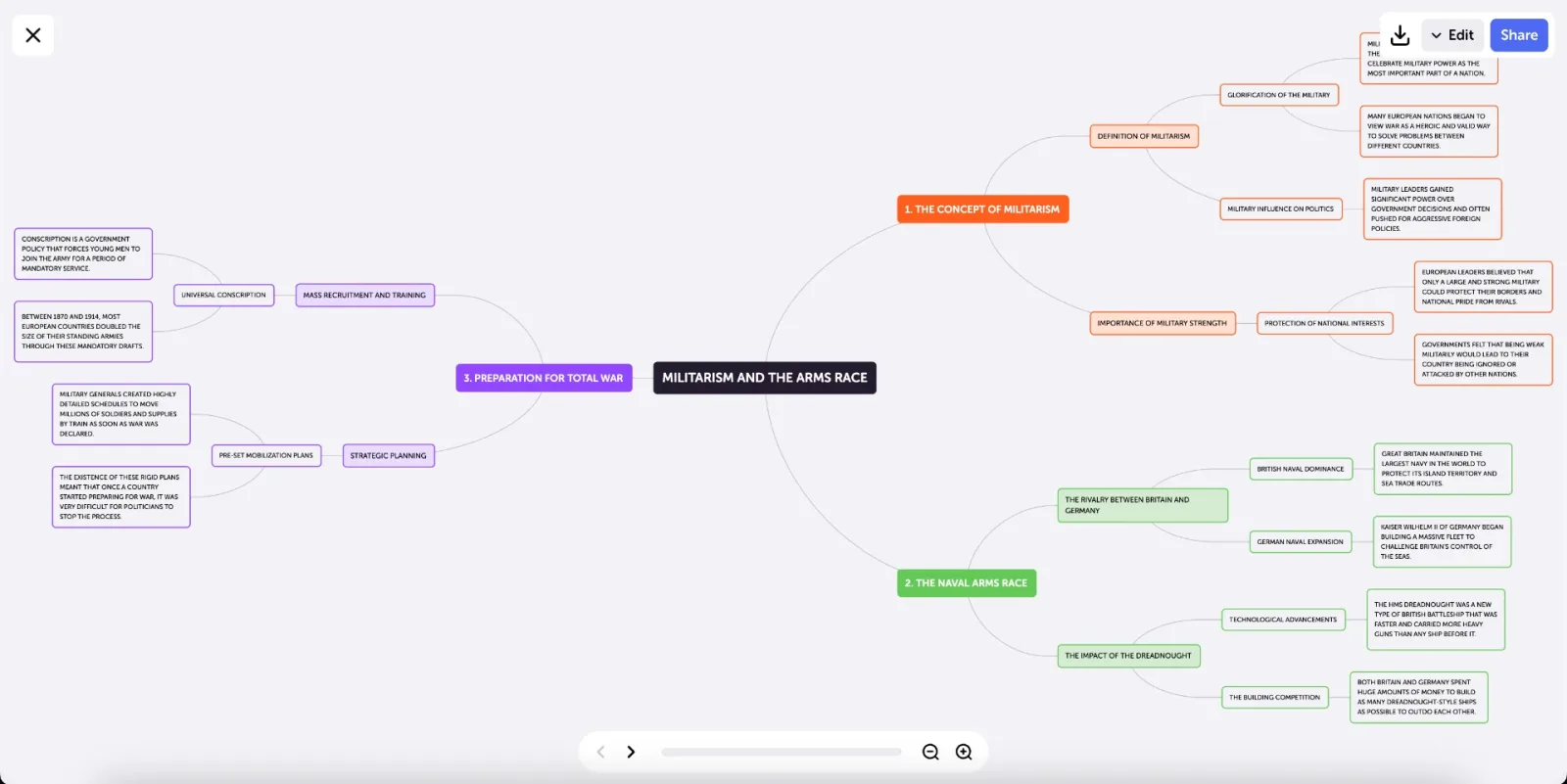
We have not treated a dedicated map editor as a verified Notibo feature in this comparison. If visual editing is essential to your choice, check the current product directly. For Algor, the relevant benefit is the ability to change the representation you study from, not a promise that a generated map will understand the course for you.
Sharing a result and building it together are different tasks
Notibo documents revocable read-only links for notes. Its published product limitations also state that team workspaces are not provided. A read-only link can be entirely sufficient when you simply want someone to read your summary.
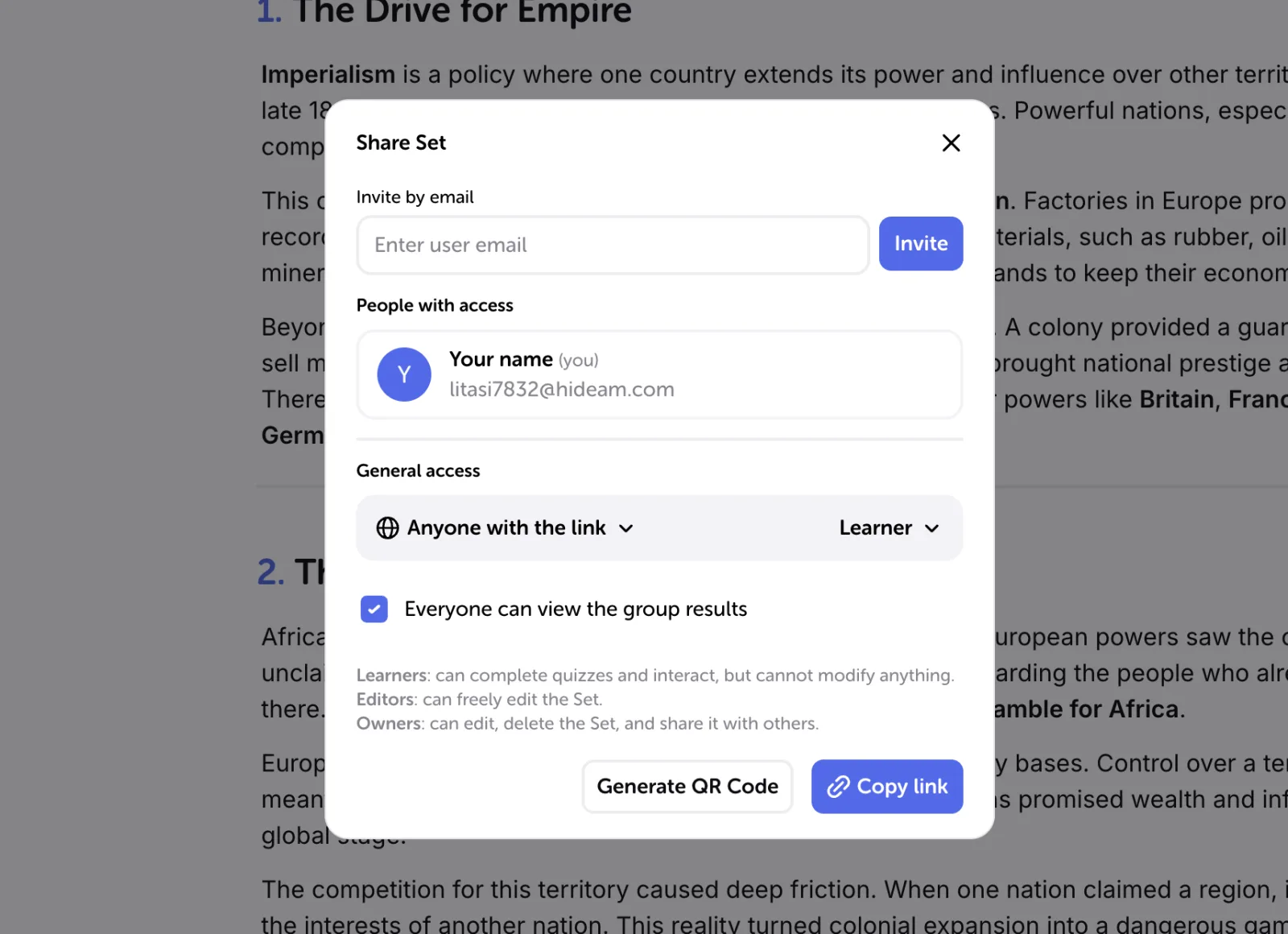
Algor’s sharing and teaching guide describes roles for shared Sets and real-time collaboration on Sets or maps. Give editing access when another person should help revise the material; choose a learning role when they should study without changing it. That makes a concrete difference in a seminar group correcting an explanation together.
For example, one person can identify a missing assumption while another improves the map’s connection labels. Agree on the source that settles disagreements. Simultaneous editing makes coordination easier; it does not make a group’s answer automatically reliable.
Move from readable notes to a checkable answer
Notibo’s current product pages include exam practice and a study plan as well as flashcards and spaced repetition. It would be misleading to frame the choice as “Notibo writes notes, Algor lets you study.” Inspect the practice available in the plan you are considering and the material it uses.
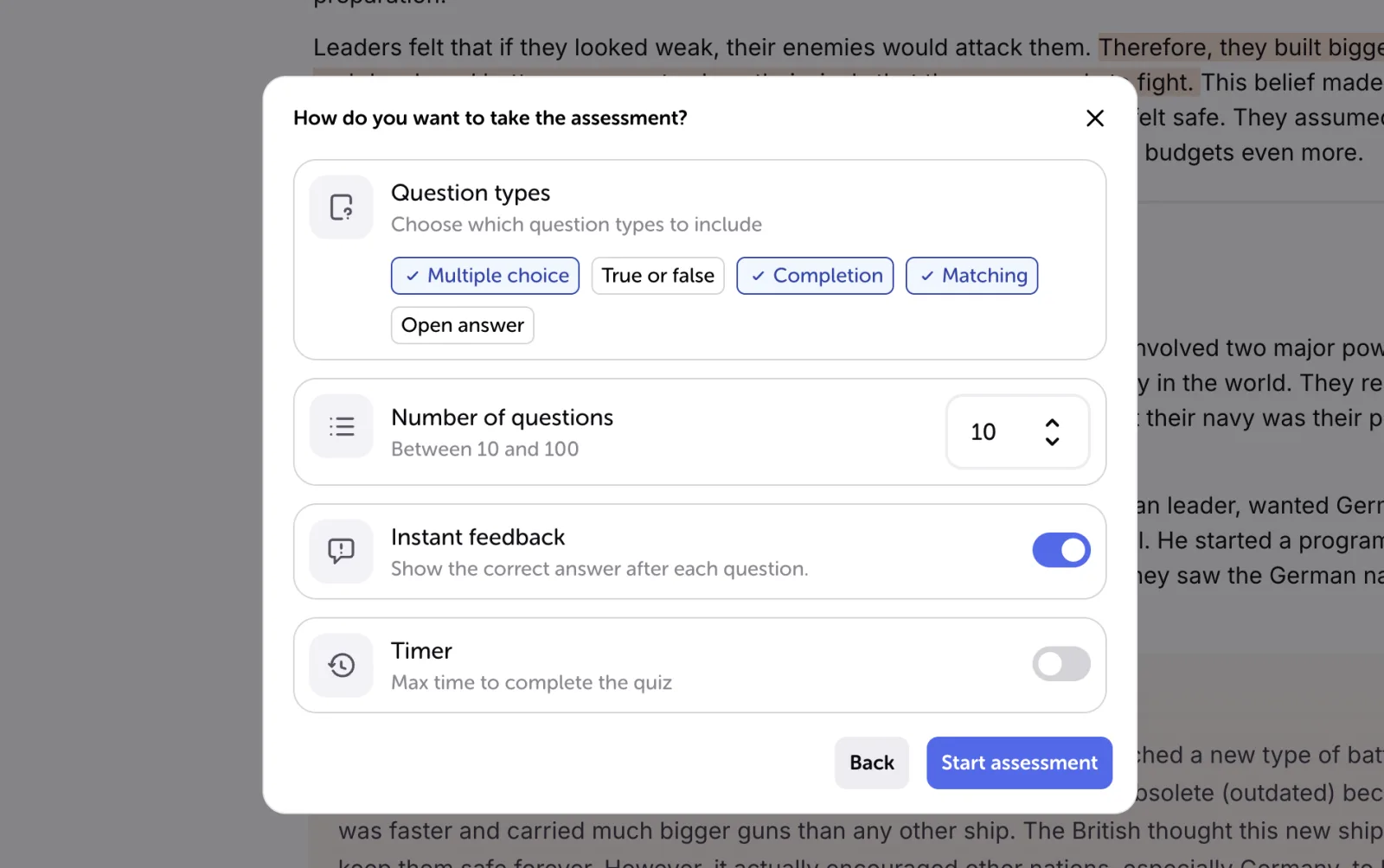
In Algor, you can narrow practice to a Set, section or page. Use flashcards for a distinction you need to retrieve; use an assessment when you want to apply it. The studying guide explains the available question formats and feedback controls.
In our example, “Define an observational study” checks a different skill from “Which conclusion is justified by this study description, and why?” Practise both if your module expects both. After an error, decide whether you need a clearer definition, a corrected relationship or another application question.
How to choose using one piece of your own material
Take a short, representative source you are allowed to upload. Define the outcome before opening either tool: perhaps corrected notes plus an explanation of two relationships and one answer without the source. This is a suggested evaluation exercise, not a test we have conducted.
Check whether important qualifications survive generation, how easily you can correct them, whether sharing gives the intended permissions and whether practice reveals a useful next step. Compare current plan limits using your likely workload. There is little value in paying for more recording capacity if reorganising ideas is your actual bottleneck.
If your main task is capturing a lecture and distributing readable notes, Notibo’s documented workflow is worth examining. If you want to reshape the material visually, co-edit it and continue into practice, try building a Set in Algor with that same source. Choose the tool that leaves you with a clearer explanation and a next action you can carry out.


Faq
Frequently Asked Questions

Related articles
Get Started with Algor
Transform your content into structured, visual and personalized learning paths.

.svg)


