
Flashka vs Algor: From Flashcards to Complete Exam Preparation

September 24, 2026
You can answer the flashcards, yet explaining the whole chapter still feels difficult. That gap matters: remembering a definition and using it in a line of reasoning are different tasks. When choosing between Flashka and Algor, start with what you want to do before and after a revision session.
We recommend Algor when you want to manage the whole preparation process. You can organize the syllabus, develop your concept maps in a full editor, revise with flashcards and use quiz results to decide which topics need attention. The assistant knows your entire Set, including its maps, so questions and explanations stay connected to your material.
What is Flashka, and what does it do?
Flashka is an AI study application that creates flashcards from your material and provides revision activities. Its offering also includes quizzes and other tools. It should not be described as a basic PDF-to-flashcard converter.
How studying with Flashka works
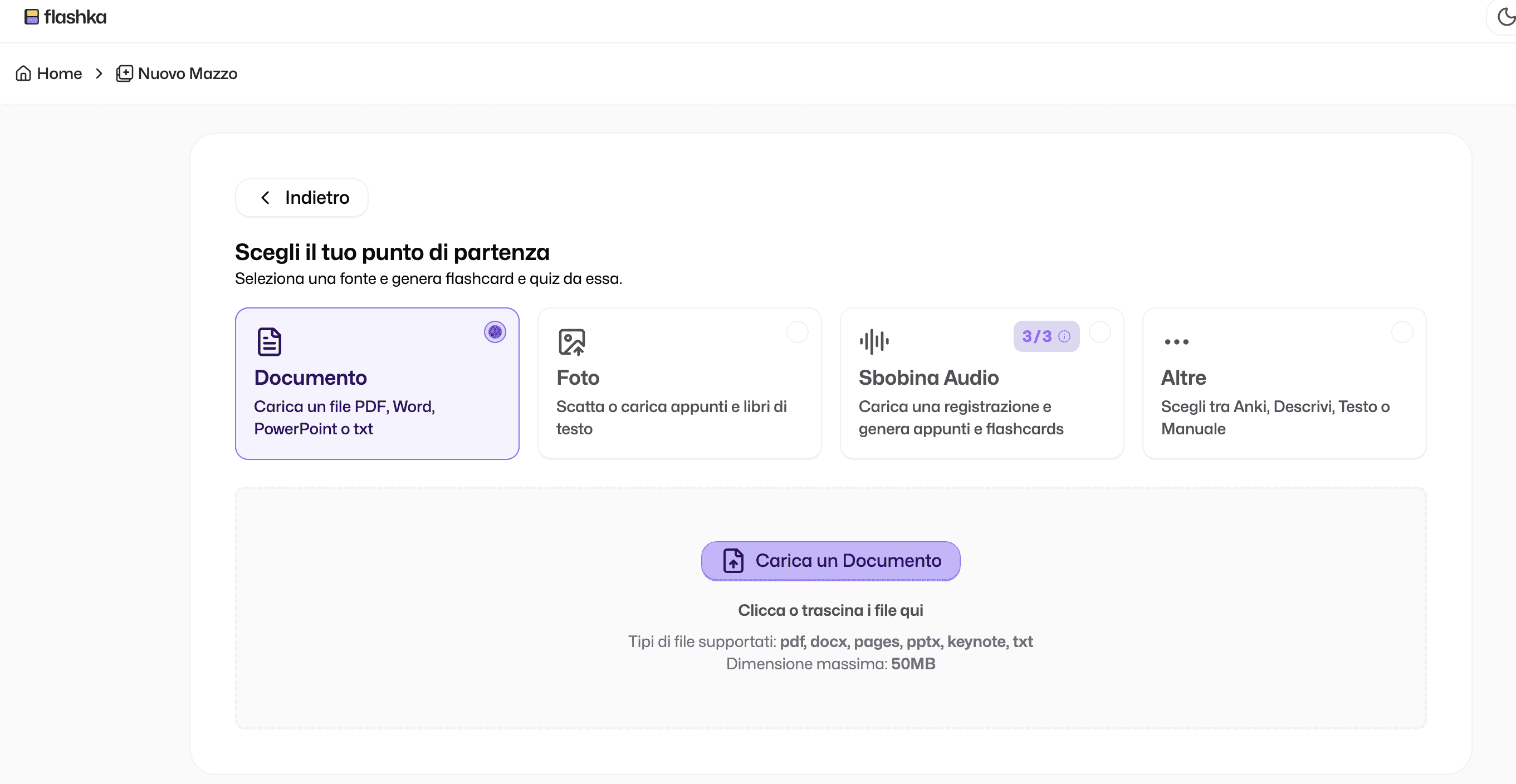
The workflow starts from the resources you upload. AI identifies information that can become questions and answers, and you study the generated cards in the application. Flashka describes progress tracking and spaced repetition as part of its revision experience.
That makes the product relevant when you already know what you need to practise and want to turn it into a review routine. Before choosing, however, consider how you will handle a topic you do not yet understand or an explanation that needs a different structure.
Tools beyond flashcards
The developer’s updates also describe mind maps, notes and study planning. The useful comparison is therefore the way these resources fit your study process. With Algor, this includes editing maps in detail, enriching them with media and adapting the surrounding material to your level.
Plans and prices
Check Flashka’s current official offer for the limits of its free access and paid plans. Prices, billing periods and allowances can change. Compare the tasks you need to complete, rather than assuming that the same plan name means the same set of resources across products.
Algor: a study guide you can work on
Algor Education turns your sources into a Set, an interactive study guide organized into sections and pages. It brings together tools for understanding, organizing, memorizing and checking your knowledge. The starting idea is simple: recall is more useful when the underlying concept makes sense to you.
Start from your actual course material
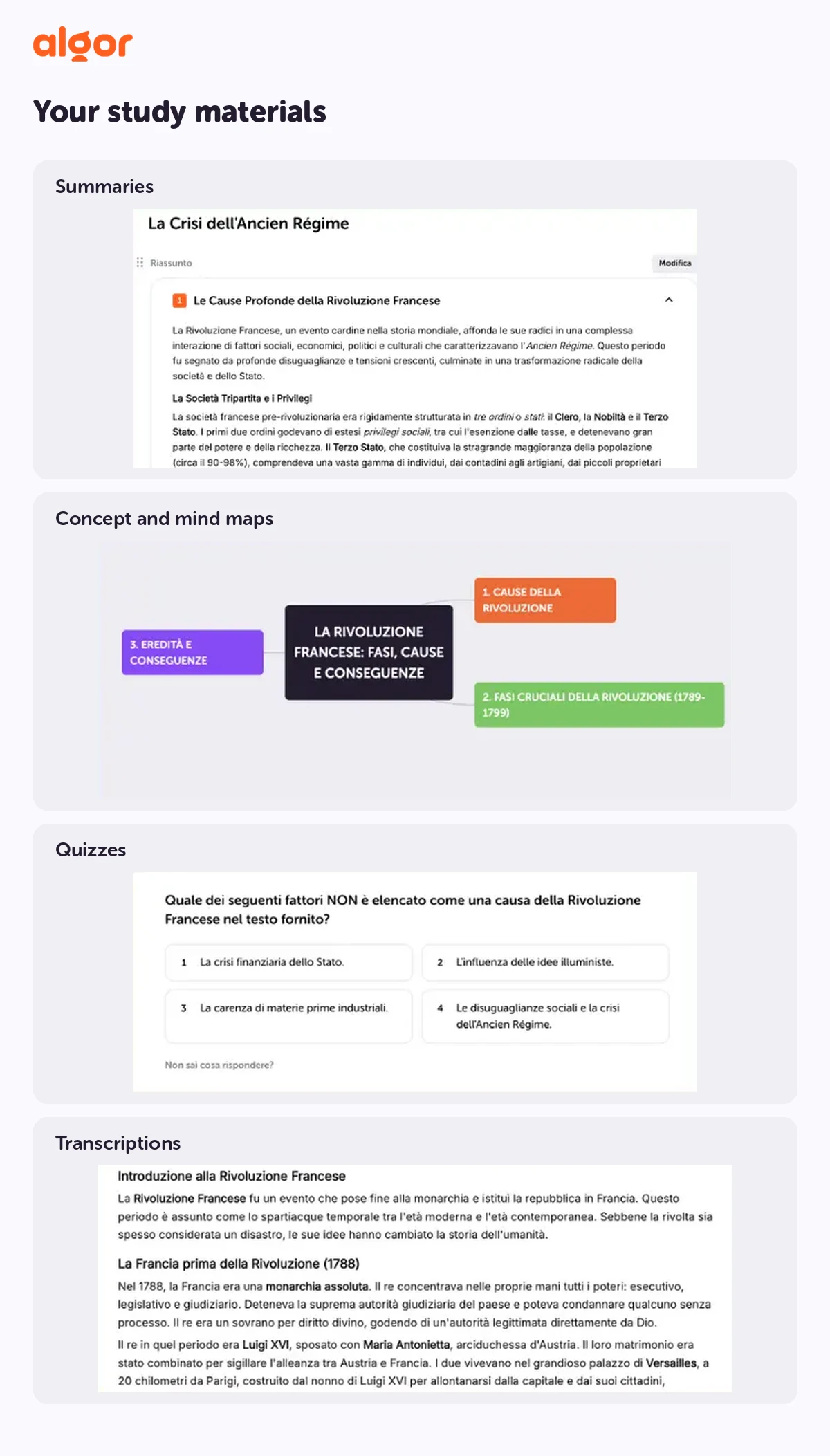
You can use PDFs, Word documents, photos of notes, pasted text, web pages or YouTube links, or begin with a topic. For a recorded lesson, use transcription first and work from the resulting text, taking the supported languages into account.
During Set creation, choose the audience, language and presentation style. You can provide instructions about what to emphasize and review the suggested outline before generation. A first-year student learning the basics and a medical student revising anatomy need different explanations; the preparation of the Set lets you reflect those differences.
Maps, summaries and practice on the same material
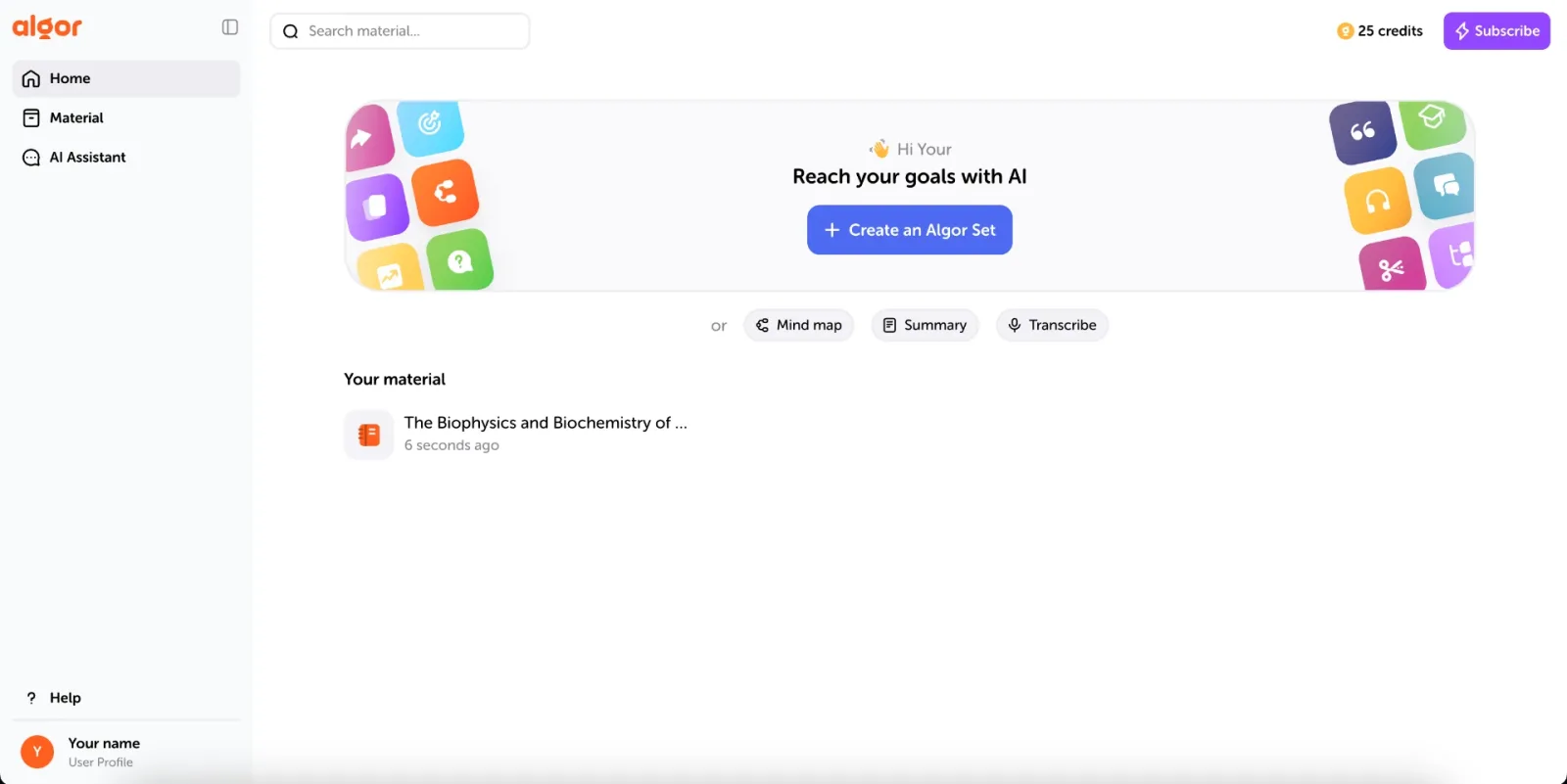
A Set page can bring together the topic text, a concept map, a summary and an audio overview. Flashcards and tests work on the Set, with a choice of which page, section or collection of material to cover.
This matters when you discover a misunderstanding. You can leave the test, return to the relevant page, correct the explanation and adapt the map. Your study resources are not separate files that you have to keep in sync manually.
Personalization continues after generation
You can change the text, move pages and reorganize sections as the course develops. Ask for simpler language or a more structured format, then edit the result to match the examples used in class. Read-aloud tools and a highly legible font option give you further ways to work with difficult passages.
Algor’s free plan lets you try the workflow within its included allowances. Algor’s premium plans start at just a few euros per month with annual billing. They include Sets with a concept map, flashcards, quizzes and all AI features. That brings preparation and review into one subscription, from understanding the material to practising it.
Flashka vs Algor: where Algor adds value
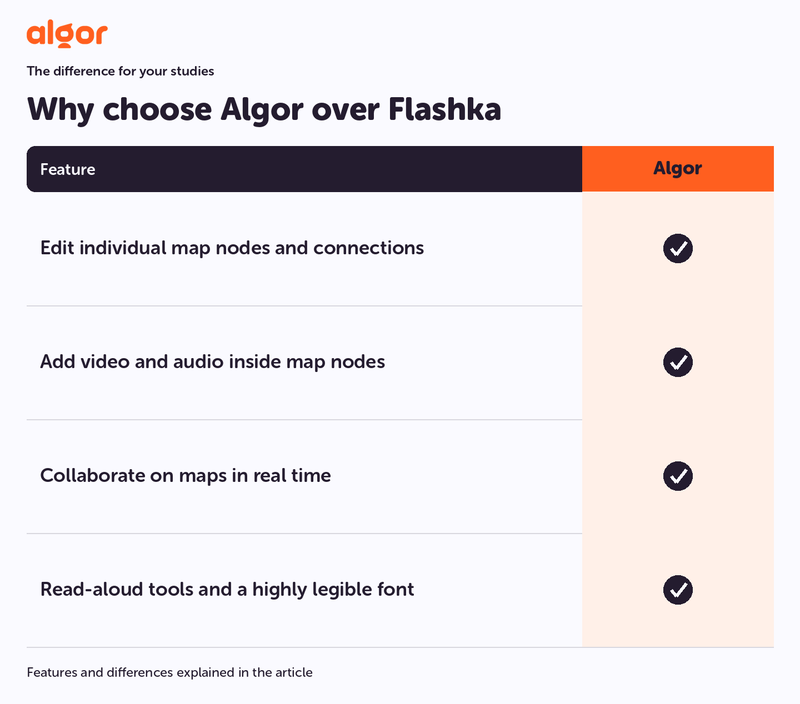
- Edit individual map nodes and connections
- Add video and audio inside map nodes
- Collaborate on maps in real time
- Read-aloud tools and a highly legible font
Algor’s strongest advantage appears when you want to reshape a topic as well as remember its definitions. You have an editable structure, rich concept maps, reading tools and practice connected to the same programme.
From individual facts to relationships
Suppose you are studying a body system. Flashcards can help you learn the names. In an Algor map, you connect organs and functions, add an image or an audio explanation, and change individual nodes and links. Ask the AI to expand a branch when one relationship needs more detail.
You can work on the map with a classmate in real time. Instead of exchanging screenshots, discuss the structure while editing it. Text-to-speech for nodes and print layouts designed for study let you continue by listening or using a paper copy.
The advantage is not simply that a map exists. It is being able to make the map express the explanation you need to give in an exam, then keep it beside the rest of your material.
Active revision and progress across topics
Algor supports question-and-answer flashcards and completion cards. You choose the material to revise, and spaced repetition uses your assessment of each answer to schedule future practice. Harder cards return more frequently; familiar ones can be spread out.
Tests add a different check. Quiz results contribute to your progress across the topics, helping you see where to return after a session. This is useful when remembering short answers feels comfortable but applying the concepts still exposes gaps.
You decide what belongs in the Set
Control begins before the first flashcard. Review the proposed outline and make sure it matches the syllabus. After generation, add missing content and move material into the order your course uses. If a lecturer develops a point in more detail, update the page rather than treating the first output as final.
You can study in the suggested order or go straight to a weak section. This flexibility works across subjects, from biology to law, because the structure follows your material and your decisions.
An assistant with the context of your study material
The assistant in Algor knows the whole Set, including the maps. Ask why two ideas are connected, request an explanation of a difficult step or connect the current topic to an earlier section. You stay with your sources while reading, editing and practising.
For an oral assessment, try explaining a map without reading the text. When your reasoning breaks down, use the assistant to examine that connection and improve the material. The conversation becomes part of a wider study activity.
Which should you choose for exam preparation?
Choose Algor when you want to control the full preparation process. Your materials and study order can change with your needs; maps, summaries, flashcards and tests remain tied to the relevant topics. You can listen, print or work with classmates and use test results to identify what to improve.
Flashka is a relevant option to evaluate for its flashcard and revision workflow. Algor’s case is broader: detailed visual editing, control of the whole Set and a connected route from understanding to practice. That is why it is our recommendation for building a complete study routine around your own course material.
How to start with Algor
Choose a manageable chapter and gather the sources you use in class. Set the appropriate level and style, then review the outline. Open the concept map and add the example that makes the difficult idea click. The official content-creation guide explains the steps.
Finish the session with a test on that chapter. Return to any unclear topic and improve the explanation or the map connection. In your next session, use flashcards to retrieve the key information. The resources become a repeatable routine, rather than another folder you rarely open.
Start with Algor for free. For editing, listening and sharing options, consult the guide to working with Sets.


Faq
Frequently Asked Questions

Related articles
Get Started with Algor
Transform your content into structured, visual and personalized learning paths.

.svg)


