
Study Guides: What They Are and How To Create Them with AI

Sofia Bogunovic
February 6, 2025
What Is a Study Guide and How to Make it?
Studying effectively isn’t just about sitting quietly and reading your notes or textbooks over and over. The way you structure, organize, and interact with information significantly impacts how you grasp key concepts and retain knowledge. In fact, memory research agrees that rereading is one of the least effective ways to prepare: actively retrieving information, as the well-known testing-effect studies by Roediger and Karpicke (2006) showed, and spacing your reviews over time lead to much stronger long-term retention. A good study guide is built around exactly these habits. That’s why learning how to make a study guide with AI can make such a difference.
This tutorial is an excerpt designed to help you create your own study guide with AI. To learn more about how to use Algor, visit the official Algor Education guide.
Why is that? Study guides help you process core content in a logical way, allowing you to focus on the most important material while leaving out unnecessary information. They also promote what's called "active learning", a study technique that encourages you to make meaningful connections between core concepts. All of this helps boost your confidence and reduce anxiety on exam day.
If you're thinking "that sounds like a lot of work", you're not alone. Students far and wide have thought exactly that, but don't worry. With Algor Education, you can use AI to make your own custom study guides quickly to help you with effective exam prep. In this article, we'll cover what a study guide is, what it should include, and how to create one with AI in a few simple steps.
A study guide is a personalized tool designed to help students like you review, organize, and track progress in your coursework or exam material. It’s more than just a way to arrange notes: it's all about helping you find the most effective study routine for you.
Key Components of an Effective Study Guide
Summaries and Notes
AI-generated summaries: these concise explanations of key topics let you quickly refer back to something you might need a little more information on. They're most effective as a "first stopping point" in your study guide that you can read through whenever you need a fresh reminder.
Mind Maps
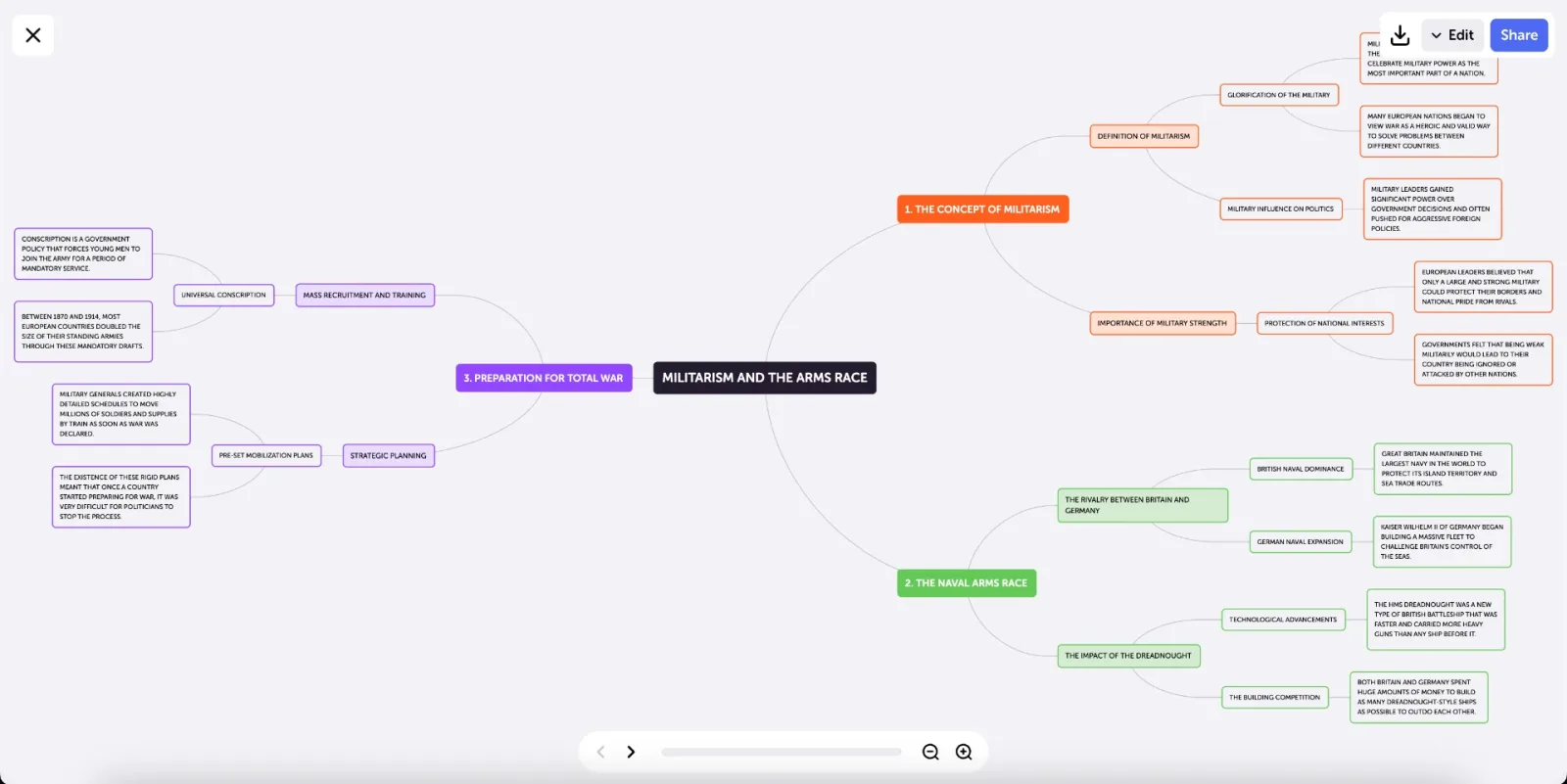
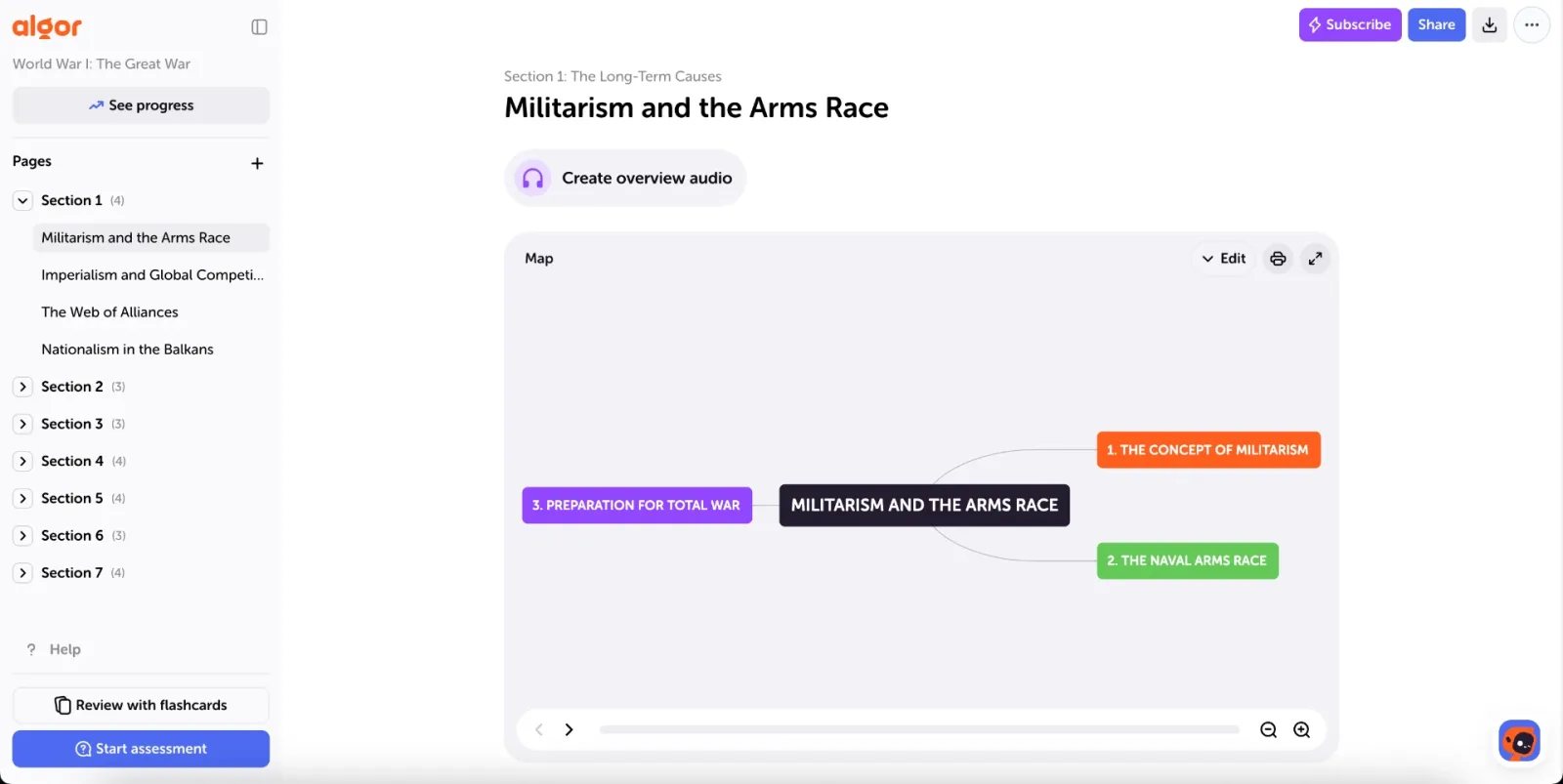
Mind maps are visual representations of connections between topics, simplifying complex concepts. They typically start with a central concept and branch out like a web, making it easy to see how these concepts relate to each other. They’re perfect for brainstorming, summarizing information, and organizing it in a more flexible, visual way. Unlike traditional outlines, mind maps let your ideas flow naturally, making them great for personal note-taking, planning essays, or breaking down difficult subjects into clear, structured sections.
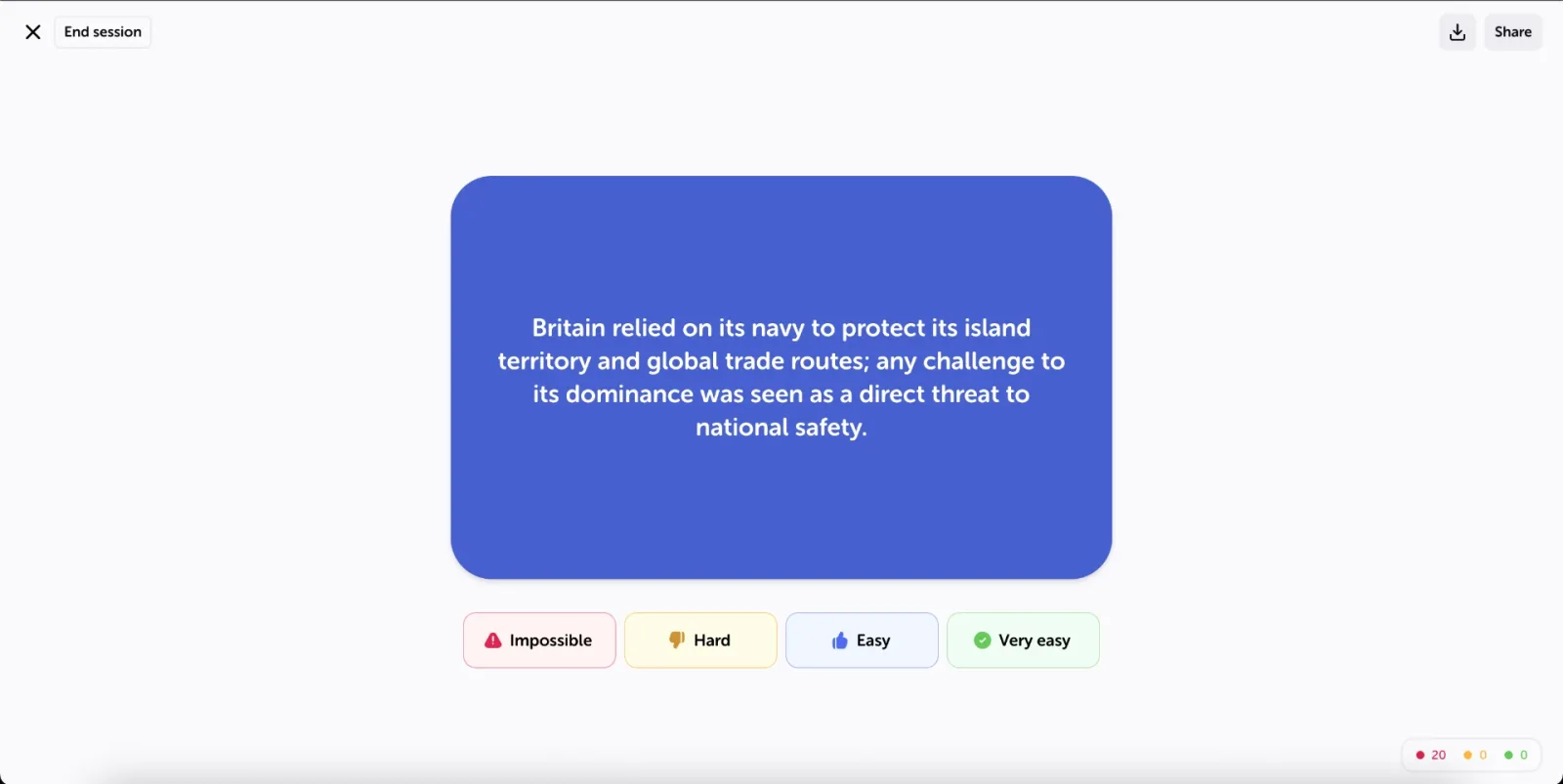
Flashcards
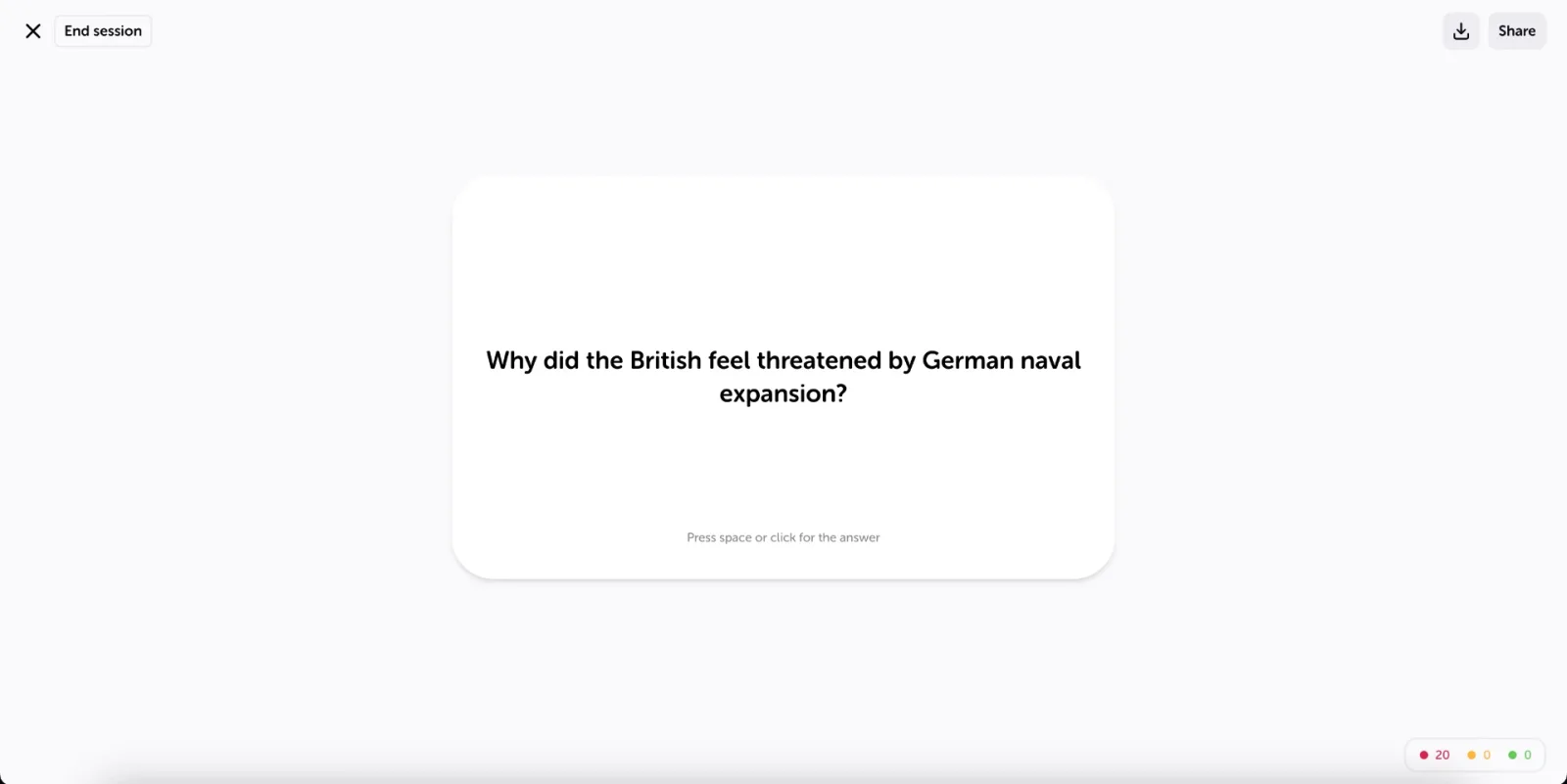
Flashcards are a simple yet powerful study tool: flashcards help you learn and remember information through active recall. Each card has a question or prompt on one side and the answer on the other (or, in fill-in-the-blank flashcards, a sentence with gaps to complete), making them perfect for testing yourself and reinforcing key concepts. Because they encourage quick thinking and repetition, flashcards improve memory retention. They’re especially useful for subjects with lots of facts, like vocabulary and key terms, historical dates, or scientific terms.
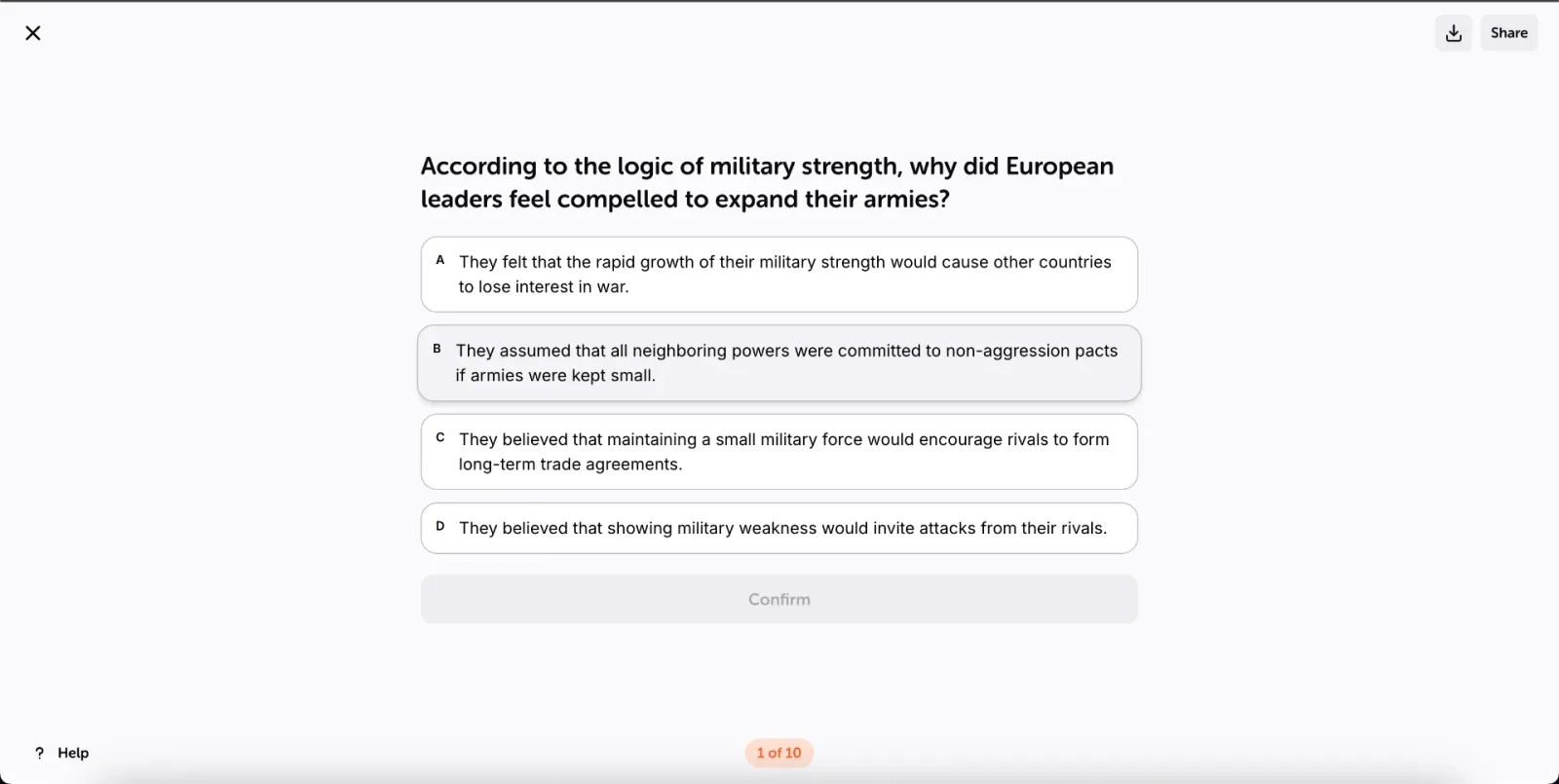
Quizzes
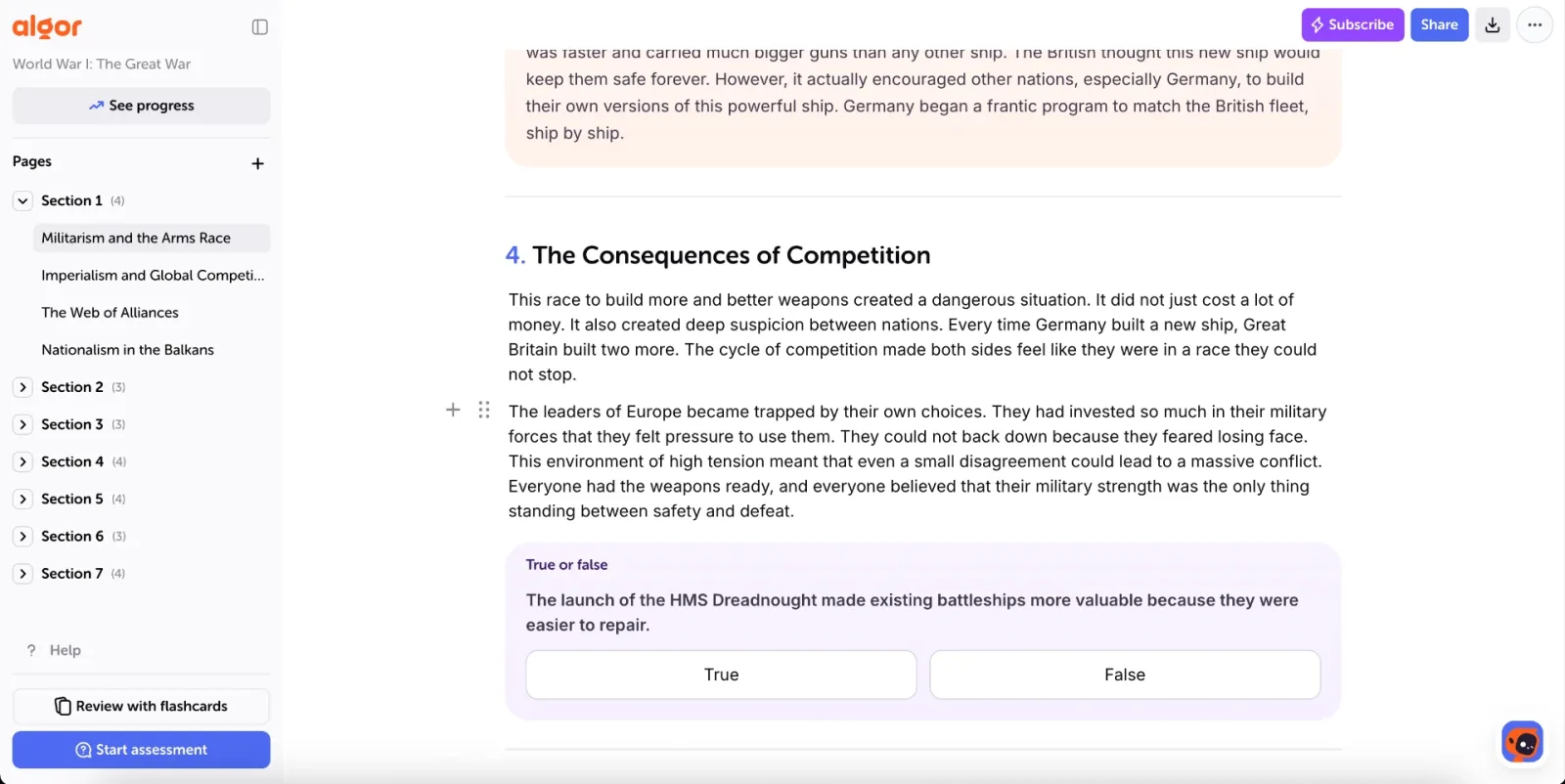
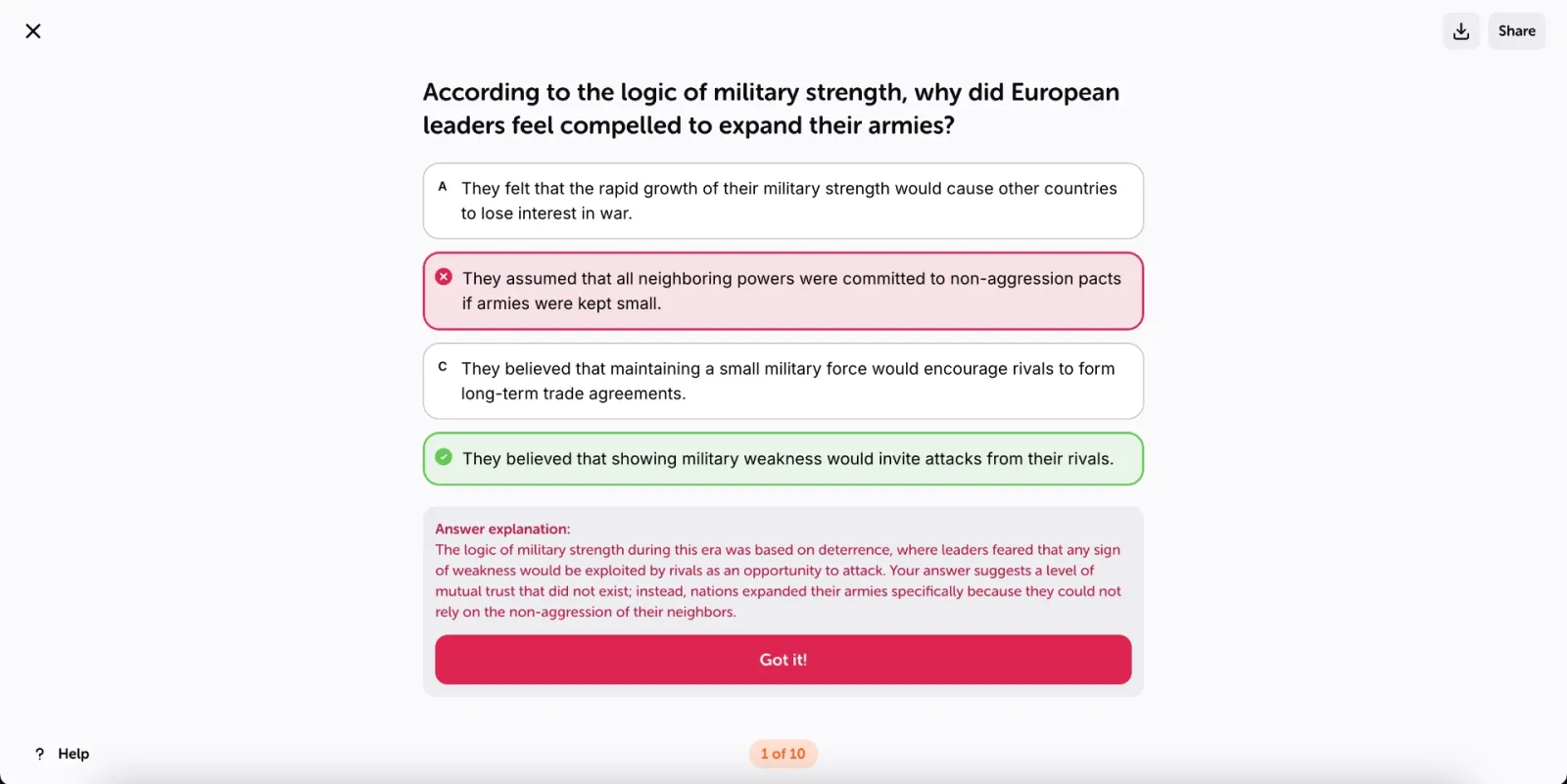
Quizzes: acting sort of like practice tests, quizzes are an amazing way to check what you've learned and see how you're doing. They're excellent study tools to help you test your knowledge in the same way a school exam or academic test would, by evaluating your content knowledge. The benefit of taking quizzes at home is that you get used to being tested in a stress-free environment, where you can go back to your notes from class or your study guide and fill in the gaps in your knowledge.
Making Study Guides Doesn't Have to Take Forever
No doubt you're thinking "OK cool, but I don't have time for all that". Well, that's where AI-powered study guides, like Algor Education, are a game-changer.
While traditionally students have spent hours summarizing extensive notes, crafting concept maps on their own, and making flashcards manually, that's not necessary any more. With AI-powered study guide generators, this process becomes much quicker and simpler.
Algor Education is an AI study guide maker that enables students to turn notes into a complete study guide automatically, called a Set, with structured learning tools, including AI-generated flashcards, quizzes, concept maps, and summaries. It transforms handwritten notes, textbook excerpts, and digital materials into customized study resources in a few minutes.
Not All AI Study Guides are Created Equal
Not all study guides are equally effective. The best ones are concise and well-structured, breaking down complex topics into digestible, step-by-step formats. Instead of sifting through messy notes or scattered resources, you need a clear, organized pathway to follow. That’s exactly what Algor’s AI-powered study guides provide: by transforming handwritten notes, digital texts, or even simple files into structured summaries, flashcards, concept maps, and quizzes, Algor helps you cover every key topic without too much repetition.
Beyond organization, the best study guides also promote active learning, engaging you through visual tools and interactive assessments. Algor's flashcards use spaced repetition, and its quizzes give you instant feedback, so repetition and recall become part of your routine. Because every page is generated from the material you upload, the content stays close to your sources, and you can always edit it. Plus, with an index of sections and pages always on the left, you can navigate your study materials effortlessly, saving time and reducing stress.
Perhaps most importantly, Algor empowers students like you to study independently and confidently. By taking the overwhelming task of manually organizing materials off your plate, Algor’s AI lets you focus on learning instead of preparation. The structured Sets guide you through your coursework or exam preparation in a way that feels easy and intuitive. Whether you’re cramming for an exam or reviewing a semester’s worth of notes, Algor, as a reliable AI study guide maker, keeps everything at your fingertips.
Yes, You Should Use AI to Help You Study
We all know that studying can be exhausting, especially when you're trying to make sense of notes you took in class 3 months ago or are cramming for a quiz you forgot you had. AI tools like Algor take the stress out of studying by automating the hard parts: organizing your notes, summarizing key ideas, and creating the tools you need to revise.
But it’s not just about saving time—the right AI tools actually help you learn better. Memory research has been clear about this for decades: the forgetting curve described by Hermann Ebbinghaus shows how quickly we lose what we don't review, spaced repetition counters it by bringing information back just before it fades, and the testing effect documented by Roediger and Karpicke (2006) shows that quizzing yourself beats rereading for long-term retention. An AI study guide that turns your notes into flashcards with spaced repetition and quizzes with instant feedback puts these proven techniques into your daily routine without extra work. That's why more and more students see smart study tools not as a shortcut, but as the future of learning.
Step-by-Step: How to Make a Study Guide with AI in Algor
Step 1: Sign Up for Algor Education
Go to Algor Education and create an account with your email, Google or Apple. You can start on the free plan, which lets you try every feature with a few limits.
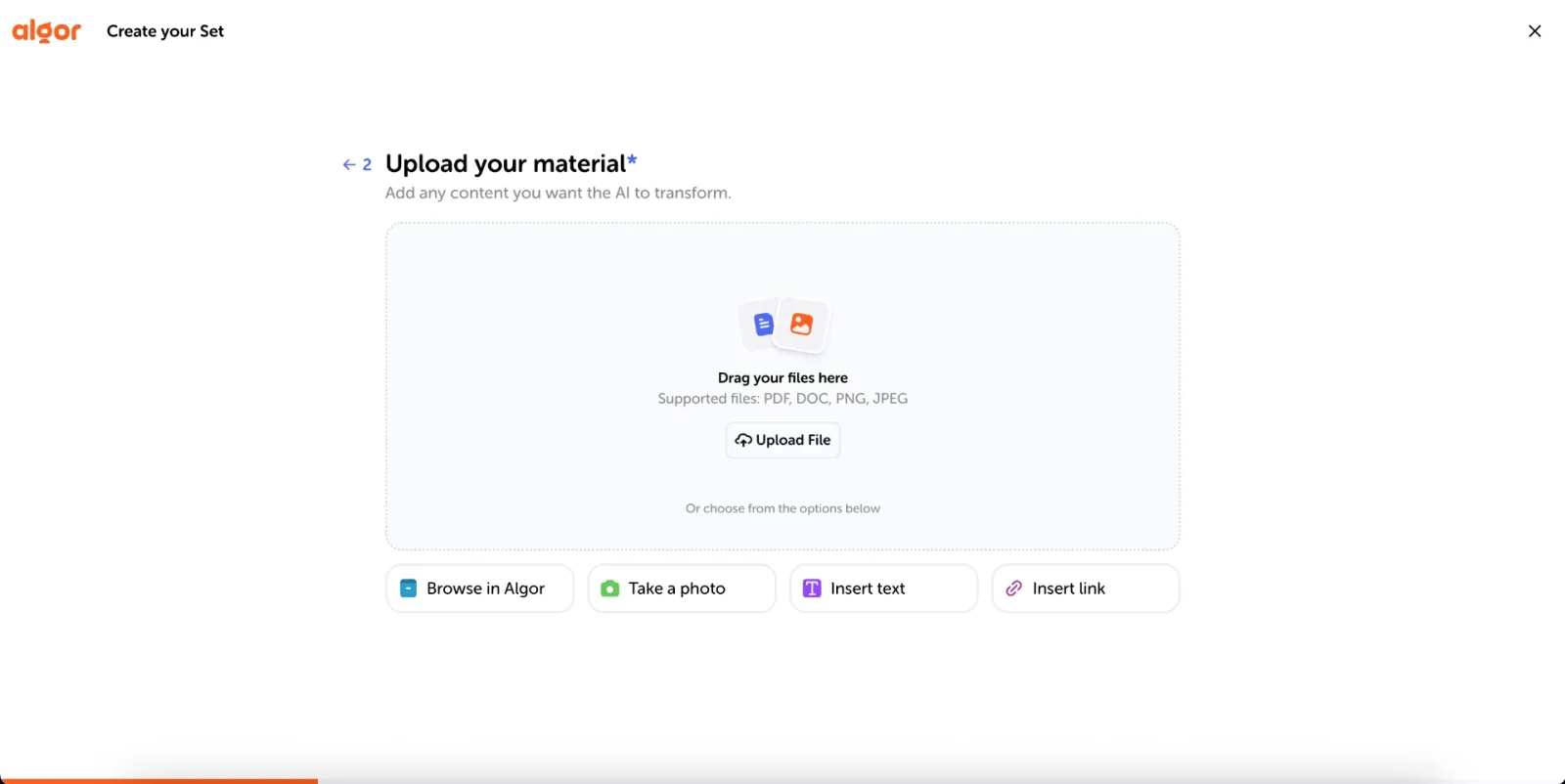
Step 2: Upload Study Material
From the Home, click Create an Algor Set and choose From your material. You can upload your study materials in many formats, including:
- Text: copy and paste a section of text, such as an article or study notes.
- Photos and images: take a photo of handwritten notes or printed material, or upload images you already have.
- Files: directly upload PDFs or Word documents.
- Links: paste a web page or a YouTube video, or use Browse in Algor to reuse files you already keep in the app.
No material at all? Choose From a topic, type a subject like "The Industrial Revolution", and the AI researches it and writes the study guide for you.
Step 3: Shape the Content and Generate Your Set
Next, tell Algor who the study guide is for (you, or for example a second-year high school student) and how it should read: simple, balanced or technical language, a flowing or schematic format, and as many practical examples as you need. Choose the language of the content, then review the index the AI proposes. If something is missing or out of order, click Edit with AI and describe the change in plain words. When it looks right, click Generate: Algor’s AI processes and structures the information, transforming it into a complete study guide. Each page combines a clear text with tools like concept maps, summaries and an audio overview you can listen to like a podcast. On top of the Set, AI-generated flashcards help you memorize with spaced repetition, and customizable assessments help you test your knowledge and track your progress.
Step 4: Customize & Navigate the Study Guide
Once your study guide is generated, you can easily customize and navigate it to fit your learning needs. Use the index on the left to quickly move between sections and pages and stay organized. As you study, open See progress to set a goal and check, page by page, what you've mastered and what still needs review. You can also edit concept maps, either in the editor or by describing the change with AI, and rewrite any page. For quizzes, tailor your experience by choosing what to cover, the question types and the number of questions, for a more personalized and effective review.
Step 5: Export & Share Your Study Guide
You can export and share your study guide in a way that suits your study style. Export the whole Set to keep a copy, or print a page or only some of its tools, like the map or the summary, if you prefer to take notes directly on paper. If you're studying with friends, you can share your guide by email, link or QR code, making collaboration simple and ensuring everyone has access to the same well-structured material.
Transform Your Studying with AI
AI is changing the way students learn, and it’s never been easier to take advantage of its benefits. Whether you need summaries, flashcards, concept maps, or quizzes, Algor Education gives you everything in one place, automatically generated to match your study needs. Instead of spending hours creating study materials from scratch, you can focus on what really matters: understanding and remembering the material. If you’ve ever felt overwhelmed by messy notes, long textbook chapters, or last-minute cramming, it’s time to try AI-powered studying.
With Algor, you’ll study smarter, not harder, and finally feel fully prepared for your next test. Ready to transform the way you learn? Try Algor’s AI study guide generator today and experience the difference for yourself!
✅ Optimize learning efficiency with AI-generated summaries, flashcards, and quizzes.
✅ Reduce manual effort by letting AI convert raw notes into structured study guides.
✅ Enhance retention and recall through spaced repetition and progress tracking.
Algor was born at the Politecnico di Torino and is designed for every kind of learner: if you have dyslexia or other learning differences, you can listen to your pages with Listen, switch to a high-readability font for dyslexia, ask for simpler language when you create your Set, and even translate your concept maps into another language. Build your guide on the web or with the iOS and Android apps, and pick it up wherever you are.
Experience the power of AI in learning: try Algor’s AI study guide generator for free today and revolutionize your study process!


Faq
Frequently Asked Questions


Get Started with Algor
Transform your content into structured, visual and personalized learning paths.

.svg)


